
I keep finding things worth sharing. Articles, videos, bits of news — the kind of stuff that used to go straight into a quick blog post. Except the workflow to actually post them had become just annoying enough to stop me every time.
Open VS Code. Create a new markdown file with the right filename format. Copy the URL. Fill out the frontmatter. Commit. Push. That’s six steps before I’ve written a single word of commentary. Most of the time I’d just… not bother.
So I built something to fix it.
Meet Pulp
Pulp is a Chrome extension for making the act of sharing your thoughts easier. You click the icon while you’re on a page, write a few lines of commentary, and it commits a markdown post directly to your GitHub blog — no terminal, no file wrangling, no context switching.
It captures the current tab’s URL and title automatically, drops them into an attribution line at the bottom of the post, and generates a properly named file using whatever filename template you’ve configured. For this blog that’s YYYY-MM-DD-slug.md, so the output slots right into src/content/posts/ as if I’d created them by hand.
If you highlight text on the page before opening the popup, that gets pulled in as a blockquote. One less thing to copy manually.
How the Auth Works
I didn’t want to deal with managing OAuth secrets in an extension, so Pulp uses GitHub’s device flow — the same approach you’d use for a CLI tool. You click “Sign in with GitHub”, get a code to enter on GitHub’s site, and from that point on the extension has a token it can use to commit files on your behalf. There’s also a personal access token fallback for anyone who prefers that.
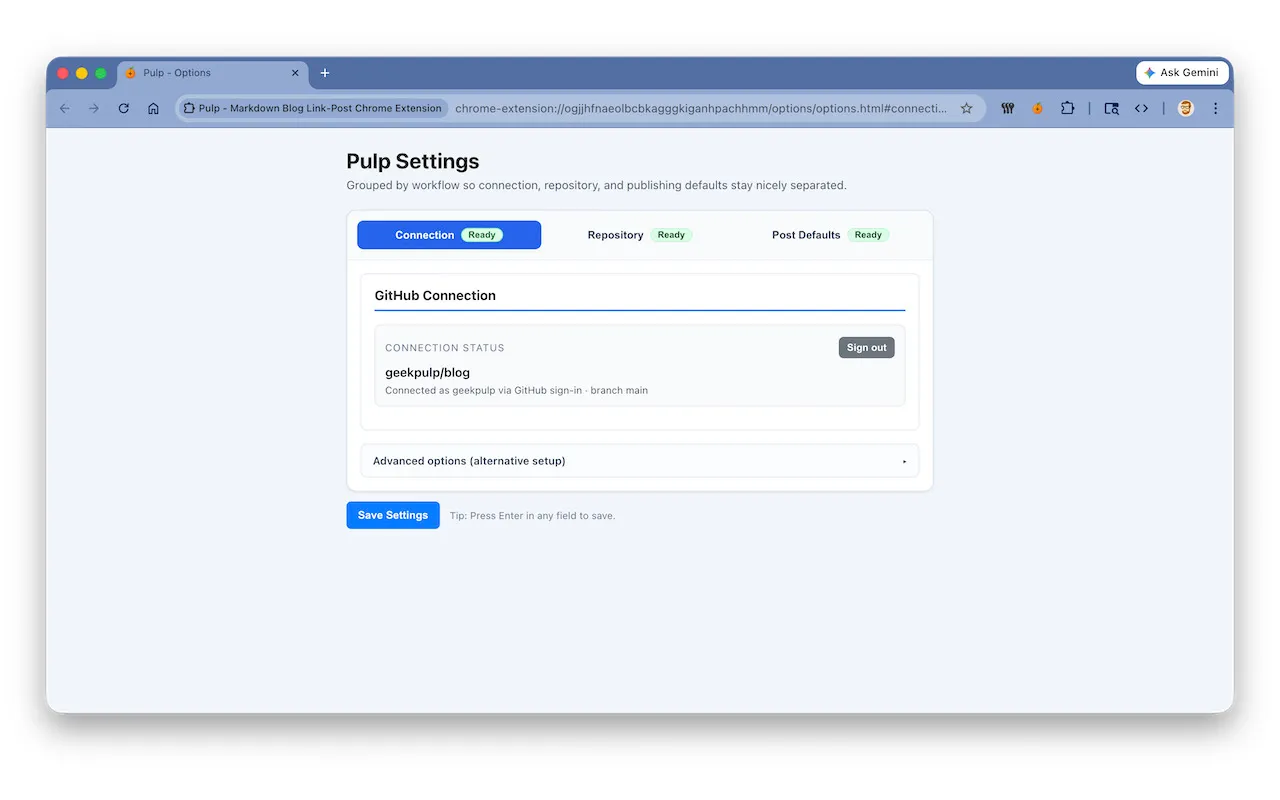
The token lives in chrome.storage.local. It goes nowhere except to api.github.com when you’re actually creating a post.
No Build Step, No Dependencies
The whole thing is vanilla JS. No bundler, no TypeScript transpilation, no npm packages.
That was a deliberate choice. I didn’t want to introduce a build pipeline just to ship a popup with a form and a couple of API calls. The extension is fully self-contained, and every line of it is readable without a compilation step involved.
It Works With “Any” Markdown Blog on GitHub
I built this for my Geekpulp Astro setup, but there’s nothing in it that’s Astro-specific. In fact I did my best to generalise its capabilities so it was useful for anyone who uses the various markdown based static site generators. The posts root path, drafts subfolder, filename template, default categories and tags, and attribution format are all configurable from the Options page. If you run a Jekyll blog with _posts/ or a Hugo site, you can point it there instead.
The source URL lives in the post body as an attribution line, not in frontmatter. That keeps the extension compatible with any blog schema without needing custom fields.
So, Does It Work?
The last few link posts on this site were created with it. Honestly, the friction difference is remarkable. I find something interesting, write a sentence or two while it’s still fresh, and it’s done. The whole thing takes maybe thirty seconds.
I’ve just submitted it to the Chrome Web Store so you can give it a try for yourself. If you do, let me know what you think. Any issues send them my way.